Handpilot
Your Mac. In your hand.
Your iPhone becomes a trackpad, keyboard and remote for your Mac. Private, encrypted, and only on your local network.
Free · iPhone with iOS 17 or later · Mac with macOS 14 or later
Everything you need, from the couch
Trackpad
Move, click, right-click, scroll and drag. Swipe with three fingers between spaces and full-screen apps.
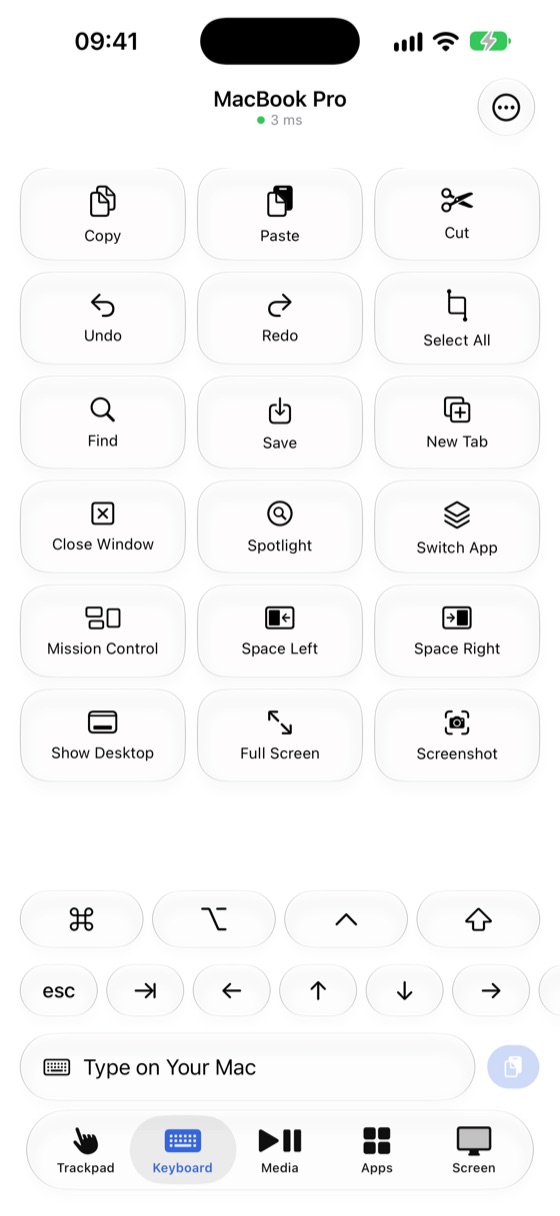
Keyboard
Type in any language and use one-tap shortcuts like copy, paste, Spotlight and switching apps.
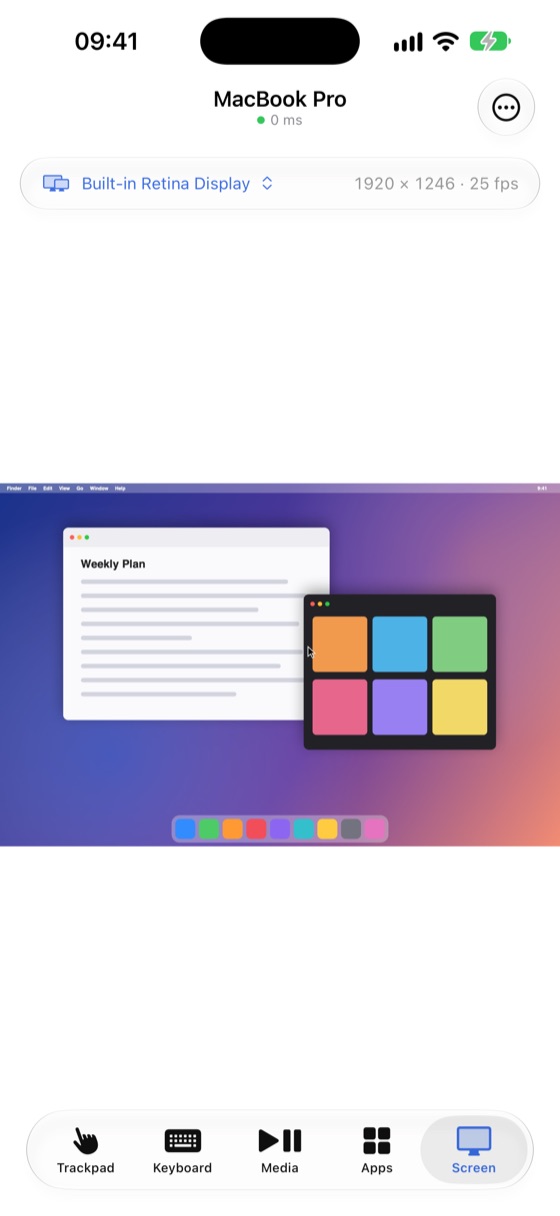
Live screen
See your Mac’s screen on your iPhone and tap right where you want to click. Pinch to zoom.
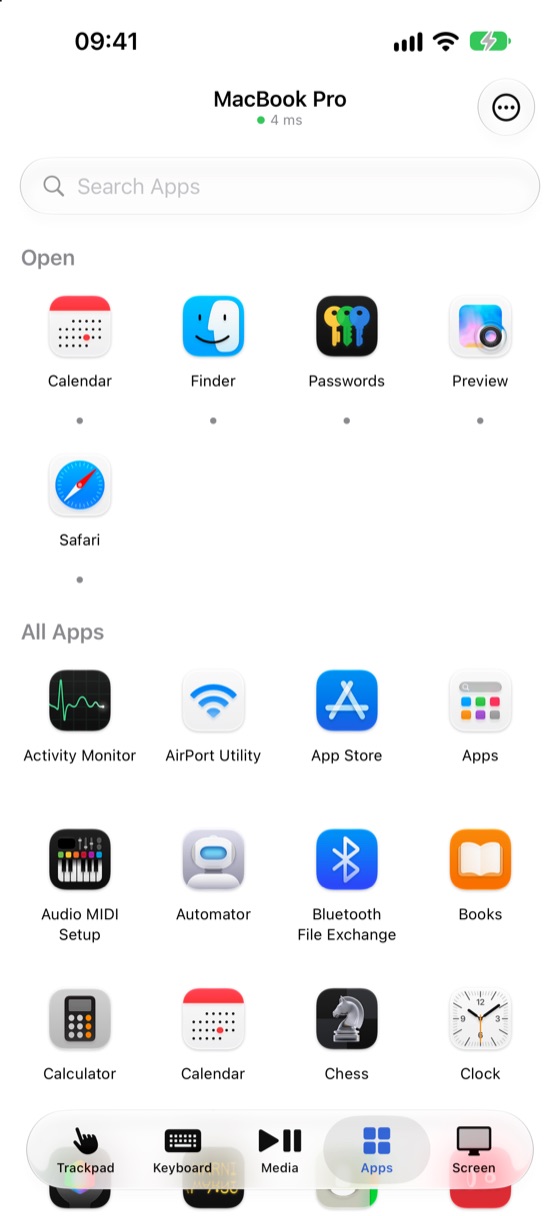
Media and apps
Play, pause and change the volume. Open apps, lock your Mac or put it to sleep.
Clipboard
Copy on one device, paste on the other. Passwords from password managers are never shared.
Private by design
No cloud, no account, no tracking. You pair with a one-time QR code, and every connection is encrypted.
Set up in a minute
- Install Handpilot on your Mac and open it. It lives in the menu bar.
- Allow Accessibility when asked, so your iPhone can move the pointer and type.
- Click the menu bar icon, choose “Pair New iPhone…” and scan the code with Handpilot on your iPhone.
Handpilot
Free · iPhone with iOS 17 or later · Mac with macOS 14 or later